On this page9 sections
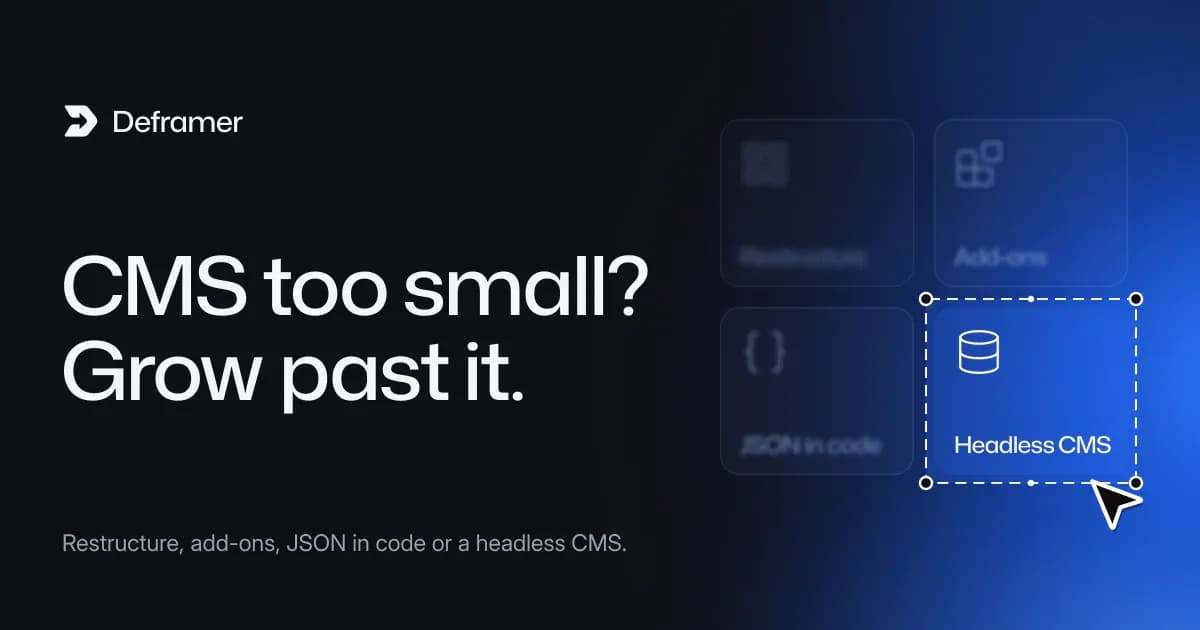
Framer's CMS limits depend on your plan: each plan includes a set number of CMS collections, CMS items and pages, and add-ons raise them up to a ceiling. Framer's pricing page puts that ceiling for the Pro plan at "up to 40,000 CMS items, 40 CMS collections, 2 TB of bandwidth, 700 pages" (Framer pricing). When you approach the limits, you have four options: restructure your content, buy add-ons, move the content into code as JSON (which is what a Deframer conversion to Next.js does), or connect a headless CMS.
Plans and limits change. Framer updated its plans as recently as May 2026, with more bandwidth and CMS collections according to discussion on r/framer, so check the pricing page for your plan's current numbers before planning around them.
How Framer's CMS limits work
Three numbers matter:
- Collections: how many content types you can have, such as blog posts, case studies, team members and job openings.
- Items: how many records you can have across those collections.
- Pages: how many pages the site can publish. A CMS collection with a detail page creates one page per item, so a growing collection can run into the page limit too.
Each plan includes an amount of each. On the plans that offer them, add-ons increase the amounts, up to the maximums Framer lists for each plan.
Signs you're outgrowing the CMS
- You're deleting old posts or merging collections to stay under a limit.
- Add-ons are becoming a large part of the bill.
- A planned content project, such as programmatic pages, a large glossary or a full product catalogue, won't fit even at the maximum.
- Content needs to live somewhere other systems can read: a product database, a CRM, a search index.
- You want editorial features such as review workflows or scheduled publishing across many editors.
One or two of these can be solved inside Framer. Several at once usually mean the content wants a different home.
Option 1: restructure within Framer
Before paying more or moving, look at how the content is modelled.
- Merge similar collections. "News" and "Updates" can often be one collection with a category field.
- Retire stale items. Old event pages or expired jobs may not need to stay. If they have search traffic, redirect them to a relevant page first.
- Move small lists out of the CMS. A list of six team members can be a section on a page instead of a collection.
This keeps you on Framer, and it's the cheapest fix when you're only slightly over.
Option 2: buy add-ons
If your plan offers add-ons and the extra capacity is enough for the next year or two, add-ons are the least disruptive path: no migration, no new tools. Price them against the alternatives over a year, since add-on costs recur monthly.
Option 3: move the content into code
If the site is moving to Next.js anyway, the CMS can move with it. When Deframer converts a published Framer site, each CMS collection becomes two files:
src/cms/blog.ts     the schema: fields, types, enum options
src/cms/blog.json   the records
Detail pages are prerendered from the records with generateStaticParams, and multi-locale content gets one file per locale that differs from the default. There's no plan limit on how many records a JSON file holds; the practical limits become build time and repository size, which for most marketing sites are far away.
Editing changes too: adding a post means adding a record to the JSON and redeploying. What happens to Framer CMS collections in Next.js walks through editing records, rich text and images.
Option 4: connect a headless CMS
If editors need a visual interface and the content is large, keep the records' shape and change where they come from. A build-time sync script fetches entries from a headless CMS, writes the same JSON the pages already read, and a CMS webhook triggers a redeploy. Adding a headless CMS to a converted Framer site shows the pattern with examples.
Comparing the options
| Restructure | Add-ons | JSON in Next.js | Headless CMS |
|---|---|---|---|---|
Stay on Framer | Yes | Yes | No | No |
Item ceiling | Your plan's | The plan's maximum | None from a plan | The CMS's own plan |
Who edits content | Anyone in Framer | Anyone in Framer | Developers, in files | Editors, in the CMS |
Recurring cost | None | Monthly add-on fees | Hosting only | Hosting plus the CMS |
Effort | Low | None | A conversion and a review | A conversion plus a sync script |
Getting your content out, whichever you choose
Framer's data-portability article says CMS content "can be exported using plugins into structured formats such as CSV or JSON" (Framer Help). That's useful as a backup and for importing into another CMS. A Deframer conversion goes further by carrying the pages that display the content: list pages, detail pages, their metadata and their URLs. You convert the site, verify you own it with a meta tag, and download a Next.js App Router project in TypeScript. How to export a Framer site to Next.js covers the steps.
Converting is free; downloading the project uses one credit, from $10, on the pricing page. Deframer is an independent tool and isn't affiliated with Framer.
FAQ
What are the Framer CMS limits?
They depend on the plan. Each plan includes a number of CMS collections, items and pages, and add-ons raise them. Framer's pricing page lists Pro's maximum with add-ons as 40,000 CMS items, 40 collections and 700 pages. Check the page for current figures.
Does each Framer CMS item count as a page?
A collection with a detail page publishes one page per item, so those items count toward your page limit as well as your item limit. Collections without detail pages don't add pages.
Can I export my Framer CMS?
Yes. Framer says CMS content can be exported with plugins into CSV or JSON. Deframer's conversion also turns each collection into a JSON file with a schema, together with the pages that display it.
What CMS should I use after leaving Framer?
For a small team with a developer, JSON files in the repository are often enough. If non-technical editors publish often, connect a headless CMS and sync its entries into the same JSON shape at build time.
Is there a limit on CMS items in Next.js?
Next.js has no CMS and no item limit of its own. With content as JSON, the practical limits are build time and repository size. With a headless CMS, its plan sets the limits.