On this page11 sections
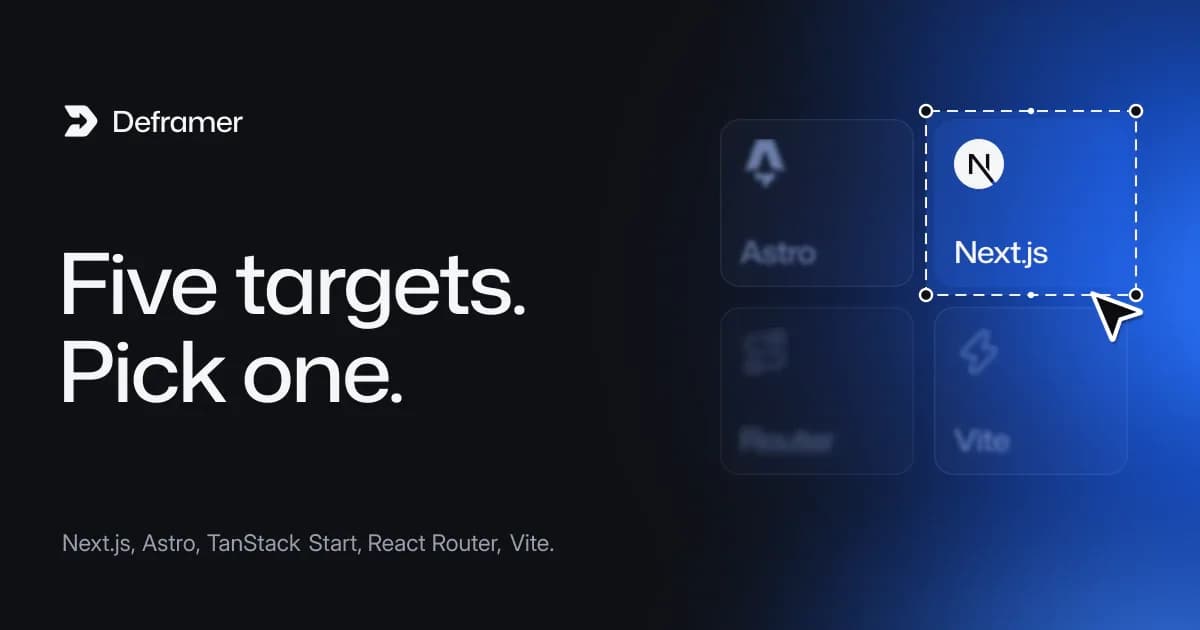
For most Framer sites, Next.js is the safest choice: it is the default, it has the widest hosting support and it suits sites that will grow into apps. Pick Vite if you want a static site with no server, Astro if your team works in Astro or wants prerendered content pages, React Router if you want the Remix-style route modules, and TanStack Start if your team uses the TanStack ecosystem. The pages, components, styles, CMS content and forms are the same React and TypeScript code in all five, so the choice is mostly about routing, hosting and what your team knows.
Deframer, the converter this guide refers to, is an independent tool and is not affiliated with, endorsed or sponsored by Framer. It downloads code for sites you own or have permission to convert.
What is the same in all five?
Before comparing, it helps to know what does not change. Every export includes:
- Pages in
src/views, layout templates insrc/layouts, design components insrc/components, each with a CSS module, keeping the designer's folders, variants and hover states. - Color styles as CSS variables, shared text styles as classes and
@font-facerules insrc/styles. - Each CMS collection as a schema (
src/cms/<collection>.ts) and JSON records. - Animations on
motion, with a small kit insrc/lib/deframerinstead of Framer's runtime. - Titles, descriptions and social images per page, plus redirects,
robots.txtandsitemap.xml. - A README listing every route.
Only the routes, the document, the server (Vite has none) and the build are each framework's own.
The comparison
| Next.js | Astro | TanStack Start | React Router | Vite |
|---|---|---|---|---|---|
Version | Next.js 16, App Router | Astro 7 | TanStack Start | React Router 8, framework mode | Vite with React Router 8 |
Routes live in | | | | | |
Page metadata | | head of | | | |
Pages prerendered | CMS detail pages via | Every page | Rendered on the server | Every page | Every page, into |
Needs a server | Yes (Next.js) | Yes, | Yes, srvx | Yes, | No |
Node.js | 20.9+ | 22.18+ | 22.18+ | 22.22+ | 22.18+ to build only |
Forms | API route handlers | API routes | API routes | Form routes | A form service, or Netlify Forms |
Split tests | Kept, served by the proxy | Kept | Kept | Kept | Original version only |
Typical hosts | Vercel, Netlify, Node, containers | Node hosts, containers | Node hosts, containers | Node hosts, containers | Any static host |
A quick decision path
- Do you want no server at all? Pick Vite. It suits brochure sites, portfolios and landing pages whose content changes when you rebuild. Forms go to a form service.
- Will the site grow into an app with accounts, a dashboard or payments? Pick Next.js, unless your team already standardizes on another React framework.
- Does your team already use one framework? Pick that one. A team fluent in Astro, TanStack or Remix will maintain the site faster in its own tool than in a "better" one.
- Is it a content site where every page can be prerendered? Astro or React Router both prerender every page and keep the layout mounted between pages.
- Still unsure? Keep the default, Next.js.
Next.js
The default target and the one with the broadest hosting support. Vercel, Netlify and many others run Next.js directly, and Cloudflare runs it through the OpenNext adapter. You get App Router routes, per-page metadata, a src/proxy.ts for redirects and URL forms, and route handlers for forms. Choose it if you expect to add server features later. Guide: how to export a Framer site to Next.js.
Astro
Every page is prerendered to HTML by astro build and hydrates as one React island, which stays mounted from page to page, so shared navigation keeps its state. A small server.ts handles redirects and forms. Choose it if your team likes Astro's tooling or wants to add Markdown content pages beside the converted ones. Guide: how to convert a Framer site to Astro, and the head-to-head Next.js vs Astro.
TanStack Start
File routes with head(), typed routing from a generated route tree, built with Rsbuild and served by srvx on Node.js 22.18 or later. Choose it if your app already uses TanStack Router or Query. Guide: how to export a Framer site to TanStack Start.
React Router
Framework mode: route modules with meta, a route config, server rendering and every page prerendered at build time. It is where Remix's React framework features continue. Choose it if your developers think in loaders and actions. Guides: converting to React Router and Framer to Remix in 2026.
Vite
A static site. The build prerenders every page into dist/, and redirects come as _redirects and vercel.json, or as redirect pages on hosts that read neither. The trade-offs: forms need a form service, split tests ship the original only, and CMS items added later have no page until you rebuild. Guide: export a Framer site as a static site with Vite.
Does the choice affect SEO?
Not much, if you check the basics. All five ship each page's title, description, social image and canonical URL, the site's sitemap and robots file, and its redirects. Server targets answer redirects with real HTTP status codes; on Vite, use a host that reads _redirects or vercel.json for the same effect. Keeping SEO when moving off Framer has the full list.
Can you change your mind later?
Yes. Converting is free, so you can convert the same site to two frameworks and compare the code before you download. Each download is its own project and uses a credit (1 with verification), or nothing with the lifetime deal for verified sites. Because views, components and CMS files are identical across targets, moving custom edits from one export to another is mostly copying src/views and src/components.
FAQ
Which framework is best for a Framer site?
Next.js for most sites, because it is the default, widely hosted and ready for app features. Vite if you want static files and no server.
Which option is cheapest to host?
Vite, because static files can be hosted on free or low-cost static plans. The others need a Node.js process or a platform that runs one.
Do all five keep Framer animations?
Yes. Animations and interactions run on motion through the project's kit in every target.
Can I use Tailwind or my own components in any of them?
Yes. They are ordinary React projects. See adding Tailwind to a converted Framer site.
Is the code different between frameworks?
Only routes, the document, the server and the build. Views, components, styles, CMS data and forms are the same.