On this page7 sections
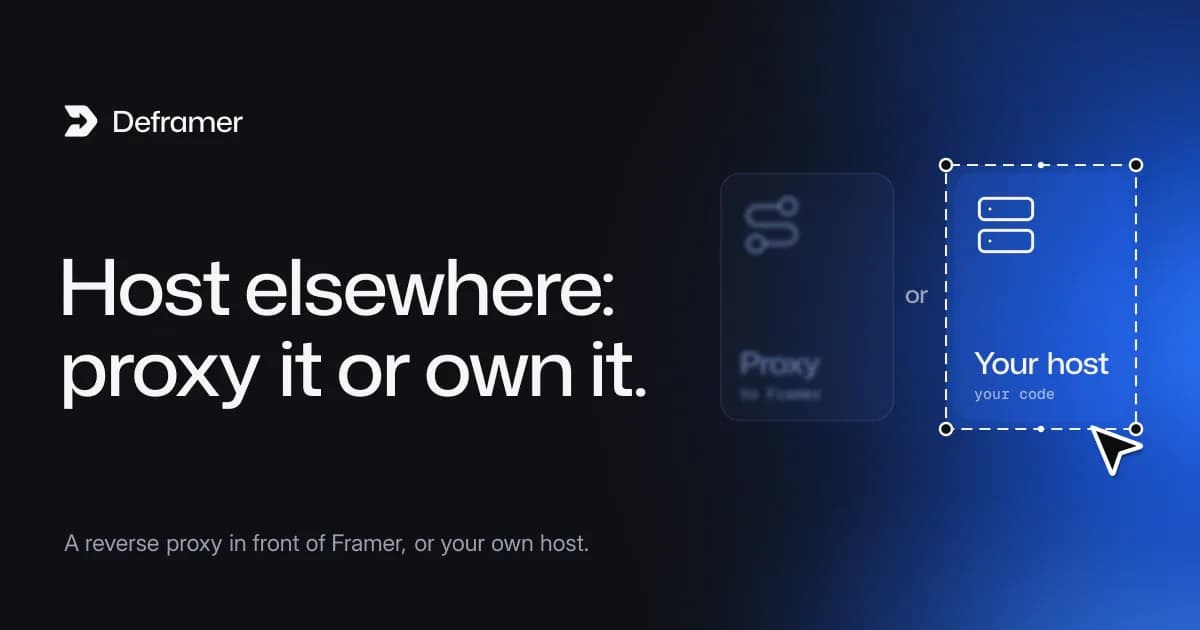
Not as files: Framer says its "published sites are not fully static and cannot be exported as standalone HTML files for self-hosting" (Framer Help). You have two real options. You can keep Framer as the origin and serve the site through your own infrastructure with a reverse proxy, which Framer supports through Advanced Hosting on Pro and Enterprise plans. Or you can convert the site into code, for example a Next.js project with Deframer, and host that wherever you like.
Which one fits depends on what "hosting it elsewhere" means to you: controlling the delivery, or no longer needing Framer at all.
Option 1: a reverse proxy in front of Framer
A reverse proxy sits between visitors and Framer. Your server or edge platform receives each request, fetches the page from Framer, can add its own headers, caching or authentication, and sends the result to the visitor. Framer describes this as "keeping Framer as the content origin" while your setup controls delivery (Framer Help). Framer's hosting page also describes serving specific subdirectories, such as /app, from an external server like Vercel under the same domain (Framer).
This suits you if:
- your main product runs elsewhere and you want the marketing site on the same domain;
- you need custom headers, access control or your own CDN rules;
- your designers should keep editing and publishing in Framer as before.
What it doesn't change: Framer still renders the site, so you still pay for the Framer plan, and you still have no code. According to Framer's article, Advanced Hosting is "available on Pro and Enterprise plans". Check Framer's pricing for the current cost of the add-on.
Option 2: convert the site and host the code
If you want the site to run without Framer, you need the site as code. Deframer converts a published Framer site into a Next.js App Router project in TypeScript, with no Framer runtime in it, so it runs anywhere Next.js runs:
- Vercel or Netlify: connect a Git repository or use their CLI.
- Cloudflare Workers: add the
@opennextjs/cloudflareadapter. - Fly.io or any container platform: add a Dockerfile.
- Your own server:
npm run buildandnpm startbehind a reverse proxy such as Nginx.
Deploy a converted Framer site has host-by-host steps.
By default, images, fonts and videos in the converted project keep loading from Framer's CDN (framerusercontent.com). For a full exit, convert with Include assets locally turned on, and every Framer-hosted asset is downloaded into public/. CDN or local assets explains the choice.
The two side by side

| Reverse proxy (Advanced Hosting) | Converted Next.js project |
|---|---|---|
Who renders the pages | Framer | Your host |
Editing | Visual, in Framer | In code, or through a CMS you add |
Framer plan still needed | Yes, Pro or Enterprise | No, once you cut over |
You own source code | No | Yes |
Custom headers, auth, caching | Yes, at the proxy | Yes, in the app and at the host |
Add a backend or API | Beside the site, on other paths | Inside the same project |
Effort to set up | Configure the proxy and DNS | Convert, review, deploy, move DNS |
What doesn't work
A few shortcuts come up in forums. They don't give you a self-hosted site:
- Pointing your domain somewhere else. Your custom domain decides who answers requests. If it points at a host that doesn't have the site, visitors get an error, not your Framer pages.
- Saving pages from the browser. You get the HTML of one rendered page, but not the site behind it: the CMS, forms and the logic that runs interactions.
- Copying the published files by hand. This is what static exporters automate, and it gives you a snapshot rather than a project. We compare that route in Framer to HTML or Framer to Next.js.
If you choose to convert: the checklist
- Convert, then verify. Convert from your Deframer dashboard (free); a conversion runs for up to 10 minutes. To download, add your verification tag in Framer (Site Settings, then Custom Code) and publish; the download is kept for 7 days.
- Run it locally.
npm installandnpm run dev(Next.js 16 needs Node.js 20.9 or later). Click through every route in the project's README. - Connect forms. Copy
.env.exampleto.env.localand setFORMS_WEBHOOK_URL, so submissions reach you. See forms after leaving Framer. - Set the domain. Update
metadataBaseinsrc/app/layout.tsx, plus the domain inpublic/robots.txtandpublic/sitemap.xml, if the domain is changing. - Deploy to a preview URL first, then move DNS. Keep the Framer site published until the new one is confirmed live.
- Then decide about Framer. Once traffic reaches your host, you can disconnect the domain in Framer and review your plan. What to do before you cancel your Framer plan lists what to save first.
Keeping your SEO when moving off Framer covers URLs, redirects and Search Console in detail.
What it costs
The proxy route costs your Framer plan with Advanced Hosting, plus whatever your proxy platform charges. The conversion route is free to try and costs one Deframer credit when you download the project, $10 for one, $25 for five or $100 for thirty (pricing), plus your host's fees and the time to maintain a codebase. Framer hosting vs. self-hosting has a worksheet for comparing the two.
Deframer is independent of Framer. It reads only the files your published site serves, and it gives the code only of sites you own or have the owner's permission to download.
FAQ
Can I host my Framer website on my own server?
Not by uploading files, because Framer doesn't export them. You can put your own server in front of Framer as a reverse proxy, or convert the site into a Next.js project with Deframer and run that on your server.
Can I use third-party hosting for a Framer site?
With Framer's Advanced Hosting, your hosting provider can proxy the site while Framer stays the origin. To use another host without Framer at all, convert the site to code first.
Does a reverse proxy mean I no longer need a Framer plan?
No. Framer still serves the pages to your proxy, and Advanced Hosting is available on Pro and Enterprise plans, according to Framer's help center.
How do I host a Framer site on Vercel?
Convert it into a Next.js project, push the project to a Git repository and import it in Vercel. Set your form webhook environment variables, update metadataBase to your domain, test on the preview URL, then move DNS.
Will a self-hosted copy be as fast as Framer?
It starts from the same assets and animations, so it should begin close to the original. Measure both: when speed tests are available, Deframer's job page runs a PageSpeed Insights lab test, mobile and desktop, on the original site and on the converted site's live preview. Otherwise, deploy the project to a preview URL and run PageSpeed Insights on both yourself. See comparing PageSpeed before and after.