On this page10 sections
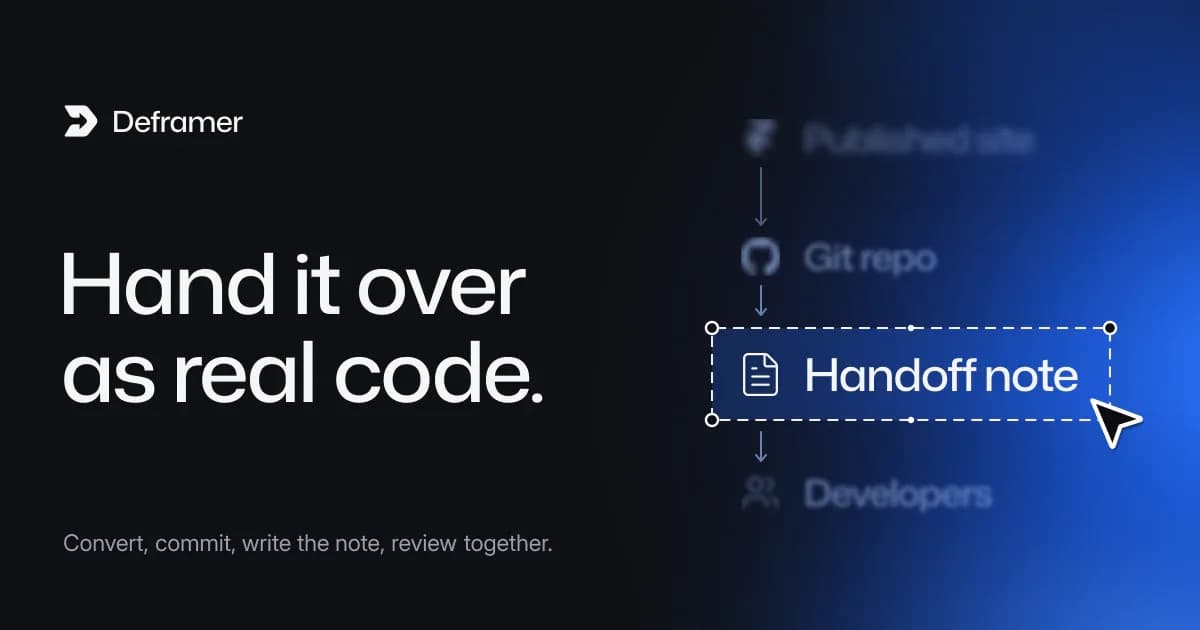
To hand off a Framer site to developers, give them code, not a Framer link. Convert the published site into a TypeScript project (Next.js by default), put it in a Git repository, and write a short handoff note that covers content, forms, hosting, the domain and any notices from the conversion. Developers then review the project, run it locally and take over from a known starting point, instead of rebuilding the design from screenshots.
This guide is for designers, founders and agencies whose site has outgrown "the designer edits it in Framer" and now needs a development team. Deframer is an independent tool and is not affiliated with, endorsed or sponsored by Framer. It converts only sites you own or have the owner's permission to convert.
Why is a Framer link a poor handoff?
A Framer project is a design file and a hosting service in one. Developers can inspect it, but they can't run it, branch it, test it or deploy it themselves. Framer has no code export, so the usual handoff options are:
Handoff | What developers get | What it costs them |
|---|---|---|
Editor access | A canvas to inspect | Rebuilding every page, breakpoint and animation by hand |
Screenshots and specs | Pictures and numbers | The same rebuild, with more guessing |
A converted project | A TypeScript codebase with routes, components, styles and content | Reviewing and adjusting it |
A rebuild is a reasonable choice for a one-page site. For a site with a CMS, several breakpoints and animations, starting from a converted project saves the slowest part of the work: matching what already exists.
Step 1: Decide who owns what after the handoff
Before anyone converts anything, settle three questions in writing. They shape the whole project.
- Where does design work happen now? Either the designer keeps designing in Framer and developers port changes into code, or design moves to Figma or straight into code. Converting again after every Framer change creates a new project each time, so a team that keeps designing in Framer needs a merge routine, covered in maintaining a converted Framer site with Git.
- Who edits content? Framer CMS collections become JSON files in
src/cms. That suits developers and small teams. If marketers need an editor, plan a headless CMS, as in adding a headless CMS to a converted Framer site. - Which framework? Next.js is the default. TanStack Start, Astro, React Router and Vite are in the same menu. Ask the developers. If they have no preference, Next.js is the safe pick; which framework to export to compares them.
Step 2: Convert the published site
The person who controls the Framer site, or the developer with their permission, runs the conversion:
- Sign in to Deframer and paste the published address (a
*.framer.website,*.framer.appor custom domain). - Pick the framework the developers chose.
- Pick where assets live. Assets on Framer's CDN is the default and keeps images, fonts and videos on Framer's CDN. Assets in the project downloads them into
public/, which developers usually prefer once the Framer plan is going away. - Convert. It's free and runs for up to 10 minutes.
- Read the notices on the result page and copy them into the handoff note.
- Verify the site: paste the one-line
deframer-verificationmeta tag into Site Settings, then Custom Code, publish, and click Check again. A verified download costs 1 credit, or nothing with the lifetime deal. - Download the
.zip. It stays available for 7 days.
An agency converting a client's site asks the client to publish the agency's verification tag. That tag is the proof of permission; the agency workflow covers it.
Step 3: Put it in a repository on day one
Commit the project exactly as downloaded, before anyone changes a line:
unzip site.zip -d site && cd site
git init
git add -A
git commit -m "Converted from the published Framer site"
This first commit is the baseline. Every later difference, whether a fix, a refactor or a new feature, shows up as a readable diff against it. Push it to the team's GitHub or GitLab organization so access follows the team, not one person's laptop.
Step 4: Write the handoff note
The project's own README.md already lists how to run it, every route (URL to route file) and a "Where to edit" table. The handoff note adds what the code can't know. Keep it in the repository as HANDOFF.md or in the first pull request description.
# Handoff: example.com

## Source
- Converted from https://example.com on 2026-10-07, framework: Next.js
- Assets: in the project (public/)
- Framer stays live until DNS moves; do not cancel the plan yet

## Conversion notices
- (paste each notice from the result page and where it points)

## Content
- Blog and team collections live in src/cms/*.json
- Marketing edits content through: (Git / headless CMS, decide)

## Forms
- contact, newsletter: set FORMS_WEBHOOK_URL in the host's environment
- Current destination in Framer: (email address, Zapier, CRM)

## Third parties
- Analytics, chat widget, cookie banner: in Framer's Custom Code, carried into the root layout

## Domain and hosting
- Domain registrar: ...
- Target host: ...
- Owner of DNS changes: ...

## Known differences
- (anything you noticed in the compare view or locally)
The "Third parties" section matters more than it looks. Site-level Custom Code from Framer comes across into the root layout, so tracking scripts, chat widgets and consent tools keep running. Developers need to know which of them are still wanted.
Step 5: The developers' first pass
Hand the developers the repository and the note, and agree on a short first pass before any feature work. A sensible order:
npm install,npm run dev, open every route in the README's table.npm run buildto catch build problems early.npx tsc --noEmitif the site has code components. Those were never type-checked in Framer, so the project may keeptypescript: { ignoreBuildErrors: true }innext.config.tswith a comment explaining why.- Check three widths, about 1440, 768 and 390 pixels, against the live site.
- Set the form webhook in
.env.localand send a test submission. - Resolve each conversion notice or decide to accept it.
How a developer should review a converted Framer project goes through this in more depth.
Step 6: Agree on what "done" means for the handoff
A handoff is finished when the team can ship a change without the designer. Concretely:
- The project builds and deploys from the repository to a preview URL.
- Forms deliver to the right place.
- Someone other than the designer has made and shipped a small content change.
- The domain move has a date and an owner, following moving a domain off Framer without downtime.
Only then cancel the Framer plan, after working through what to do before you cancel.
What changes for the designer?
The designer doesn't disappear from the project. Their structure survives: components keep the designer's folder names, variants keep their names, colour styles become CSS variables named after the styles, and text styles become classes. A developer can say "the Primary button's Hover variant" and find it in src/components.
What changes is the editing surface. Design changes become either code changes reviewed in pull requests, or Framer changes ported over by a developer. Many teams find a middle ground: the designer works in a design tool, and developers implement in code, with the converted project as the shared starting point.
Common handoff mistakes
- Cancelling Framer first. Keep the plan until the new site is live on the domain and checked.
- Skipping the baseline commit. Without it, nobody can tell a conversion artifact from a later edit.
- Losing the notices. They tell developers exactly where to look; copy them before the download expires.
- Leaving forms unconfigured. Without a webhook, submissions are only logged by the server.
- Handing over without permission. If you're not the site's owner, get the owner to publish the verification tag. That's the record that the handoff was allowed.
FAQ
Can developers work from the Framer editor instead?
They can inspect it, but they can't run, test or deploy anything from it. Framer has no code export, so either they rebuild the site or they start from a converted project.
Which framework should I hand off in?
The one your developers know. Next.js is the default and the most common choice; Astro, TanStack Start, React Router and Vite are available from the same conversion menu, and converting again for another framework is free.
Does the handoff need the Framer account?
No. Deframer reads the published site, not the editor. Whoever can publish the site needs to add the verification tag once for the download.
Is the converted code ready to ship as it is?
It's close to the original but not guaranteed to be identical. Developers should check every page, resolve the notices and run a production build before the domain moves.
What does the handoff cost?
Converting is free. Downloading uses 1 credit with site verification, or 10 without, and the $397 lifetime deal makes every verified download free. See pricing.